Google Chrome launched “Skills” — saved AI commands for Gemini
Google added a “Skills” feature to Chrome — saved AI prompts that can be used on any tab with one click. There is no longer any need to enter the same query each time: open a page, click the skill, and it’s done. Available in the desktop version of the browser.
AI-processed from The Verge; edited by Hamidun News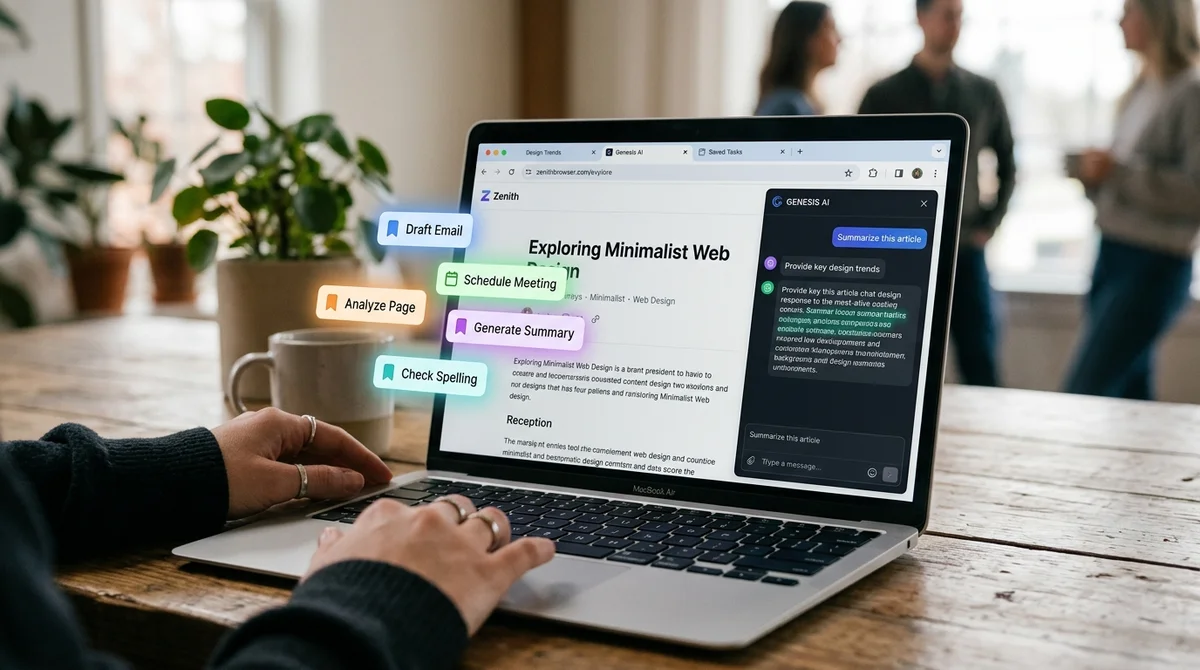
Google is launching a new "Skills" feature in the desktop version of Chrome that allows you to save your favorite Gemini commands and run them again with a single click across multiple tabs, reports The Verge.
How Skills work in Chrome
The feature allows you to save any AI request as a "Skill" and then instantly apply it to selected browser tabs without re-entering text. Google calls this exactly a "workflow feature" in Chrome — that is, a tool not for a single Gemini question, but for recurring work scenarios that the user performs again and again on different sites.
- Skills are available in the desktop version of Chrome browser
- A saved AI request is run with a single click across selected tabs
- The user himself decides which open tabs to apply the saved Skill to
- The feature was announced by Chrome product manager Hafsah Ismail
- An example from Google's official announcement is replacing recipe ingredients with vegan ones on different websites
Previously, to repeat the same AI action on different pages, the user had to re-type the same prompt to Gemini each time. Now it's enough to formulate and save a Skill once, and then choose which tab or multiple tabs to apply it to — without re-entering the request text.
Why Google needed this feature
Google solves the problem of repeatedly typing the same AI request when navigating between pages, explained Chrome product manager Hafsah Ismail in the official announcement. According to her, repetition of routine formulations was the main inconvenience when using Gemini's AI capabilities within the browser.
"Previously, repeating an AI task — for example, a request to replace ingredients to make a recipe vegan — meant re-entering the same request when navigating to different pages.
To make this easier, we're launching Skills in Chrome, which allow you to save and reuse the most useful AI requests and run them with a single click," — Hafsah Ismail, Chrome Product Manager.
What changes for browser users
Skills in Chrome turn a one-time AI request into a reusable tool: an instruction formulated once for Gemini becomes available on any page without repeated text entry. This is especially convenient for recurring scenarios — like the same example of replacing recipe ingredients — where the same type of task regularly occurs on different sites.
What this means
Chrome is turning one-time AI prompts into a permanent set of tools embedded directly in the browser — this is another step towards Gemini becoming not a separate search function or chat, but a work layer on top of everything the user does on the internet.
Frequently asked questions
What are Skills (Skills) in Chrome?
These are saved AI requests for Gemini that you can formulate once, and then run again with a single click across multiple selected browser tabs — instead of re-entering the same prompt each time.
Who announced the feature and how did Google explain it?
Chrome product manager Hafsah Ismail presented the launch of Skills, noting in the official announcement that previously repeating the same AI task on different pages meant re-entering the same request — and this inconvenience is exactly what the new feature should eliminate.
Need AI working inside your business — not just in your newsfeed?
I build production AI for companies — custom CRM, internal tools, autonomous agents, workflow automation. Owned by you, shaped to your process, no per-seat tax. Built by Zhemal Khamidun, CPO of AlpinaGPT (AI platform, 6,000+ users).
The AI world, distilled — once a week
Seven stories that actually mattered, hand-picked. No noise, no reposts, no press releases.
Done! Check your inbox for a confirmation.