Elgato added MCP support to Stream Deck: AI now presses buttons
Elgato released Stream Deck 7.4 with MCP support — AI assistants like Claude, ChatGPT, and Nvidia G-Assist can now trigger actions on the device themselves. Just type or say a request, and the bot will find the right button and press it. Action setup remains unchanged; MCP simply adds a new way to launch them.
AI-processed from The Verge; edited by Hamidun News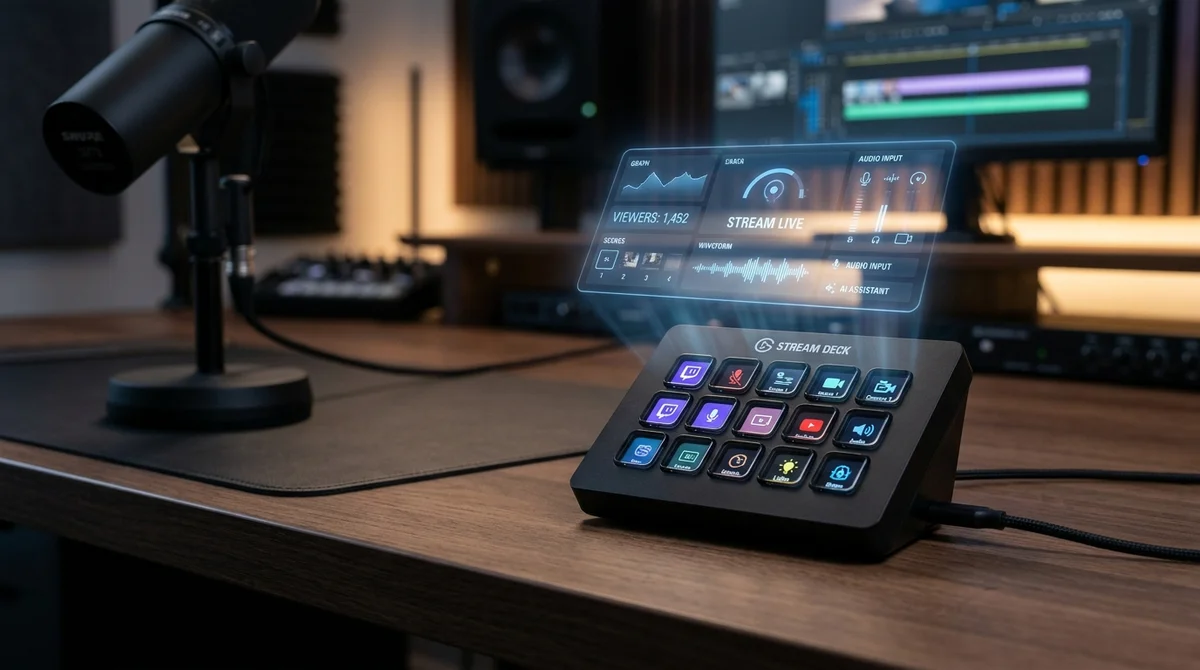
Elgato added MCP support to Stream Deck: now AI presses buttons
Elgato released Stream Deck 7.4 update with support for the Model Context Protocol (MCP) — now AI assistants like Claude, ChatGPT, and Nvidia G-Assist can independently find and run actions on the device instead of the user.
What MCP support gives
MCP support allows AI assistants to discover pre-configured Stream Deck actions and run them based on the user's text or voice request. The company emphasizes that the process of setting up buttons in the Stream Deck application doesn't change — the protocol only adds another way to activate them, not replacing the familiar manual input.
- The update is called Stream Deck 7.4
- Supported AI assistants: Claude, ChatGPT, and Nvidia G-Assist
- A separate instruction for setting up MCP connection is published on the official Elgato website
- MCP (Model Context Protocol) is a protocol used to connect AI models to external tools and devices
How Elgato itself describes this
Elgato Company explained the mechanism of the new function in the official announcement of the update.
"You set up actions in the Stream Deck application the same way you always have done.
MCP adds a new way to run them", — stated in Elgato's official statement.
According to the same statement, after connecting, the user can type or voice a request, and the connected AI tool will find and run the required Stream Deck action itself. Elgato separately notes that step-by-step setup instructions for the connection are described on the company's support page — those who want to enable MCP won't have to reconfigure their existing button profiles.
Elgato's phrasing is directly aimed at users who fear that the update will require reconfiguring all Stream Deck profiles: the company emphasizes twice in the announcement that the familiar way of setting up actions is preserved without changes, and MCP is only added to it as another launch option.
What this means
Stream Deck functionality goes beyond physical button presses: the device becomes a tool that can be controlled by voice or text through any AI assistant that supports MCP. This embeds Stream Deck into the growing ecosystem of applications connected to AI tools through the open Model Context Protocol. Essentially, Elgato describes MCP not as a replacement for the familiar control, but as an additional layer on top of already configured actions — the user loses nothing if they decide not to connect an AI assistant at all.
Frequently asked questions
Which AI assistants does
Stream Deck support after the update?
Elgato names three specific examples — Claude, ChatGPT, and Nvidia G-Assist. All of them can connect to Stream Deck through the MCP protocol and run pre-configured device actions.
Do I need to reconfigure existing Stream Deck buttons?
No. According to Elgato, actions are still configured in the Stream Deck application the traditional way — MCP only adds another way to run them through the connected AI tool.
Where can I find instructions on connecting MCP to
Stream Deck?
Elgato published a separate MCP setup page on its official website — it describes the process of connecting AI assistants to Stream Deck 7.4 step by step.
Want to stop reading about AI and start using it?
AI News is a curated feed of AI/tech news. Hamidun Academy teaches you to use AI systematically in your work.
The AI world, distilled — once a week
Seven stories that actually mattered, hand-picked. No noise, no reposts, no press releases.
Done! Check your inbox for a confirmation.